GitHub announced on October 2, 2026 that selected models across all Copilot experiences—Copilot Chat, inline edits, ask and agent modes, and code completions—have been deprecated.
WHAT THIS MEANS FOR ADMINS AND ENTERPRISES
Enterprise administrators may need to enable access to alternative models through model policies in Copilot settings. Administrators can verify availability by checking their individual Copilot settings and confirming that the policy is enabled for the specific model. Once enabled, the model will appear in the Copilot Chat model selector in VS Code and on github.com. TechStaged has also covered GitHub completes staged rollout of stateless App installation tokens, with longer token format and unchanged permissions.
- Enable alternative models via Copilot policy settings.
- Verify policy activation in Copilot settings for the target model.
- Locate the new model in the Copilot Chat selector after enabling.
WHAT USERS SHOULD DO
Update workflows and integrations to use supported models to ensure compatibility with Copilot experiences. No action is required to remove the deprecated models.
- Update automation and integration points to reference supported models.
- Review Copilot settings to confirm model availability if administering Copilot for an organization.
NEXT STEPS AND RESOURCES
GitHub recommends reviewing the documentation on Copilot models to learn about available options and how to get started with Copilot. Enterprise customers with questions are advised to contact their account manager for guidance.
- Consult the official models documentation.
- Reach out to your account manager for enterprise-specific inquiries.
COMMUNITY AND FEEDBACK
GitHub invites users and enterprises to share feedback in the GitHub Community.
RELATED COVERAGE
- GitHub completes staged rollout of stateless App installation tokens, with longer token format and unchanged permissions
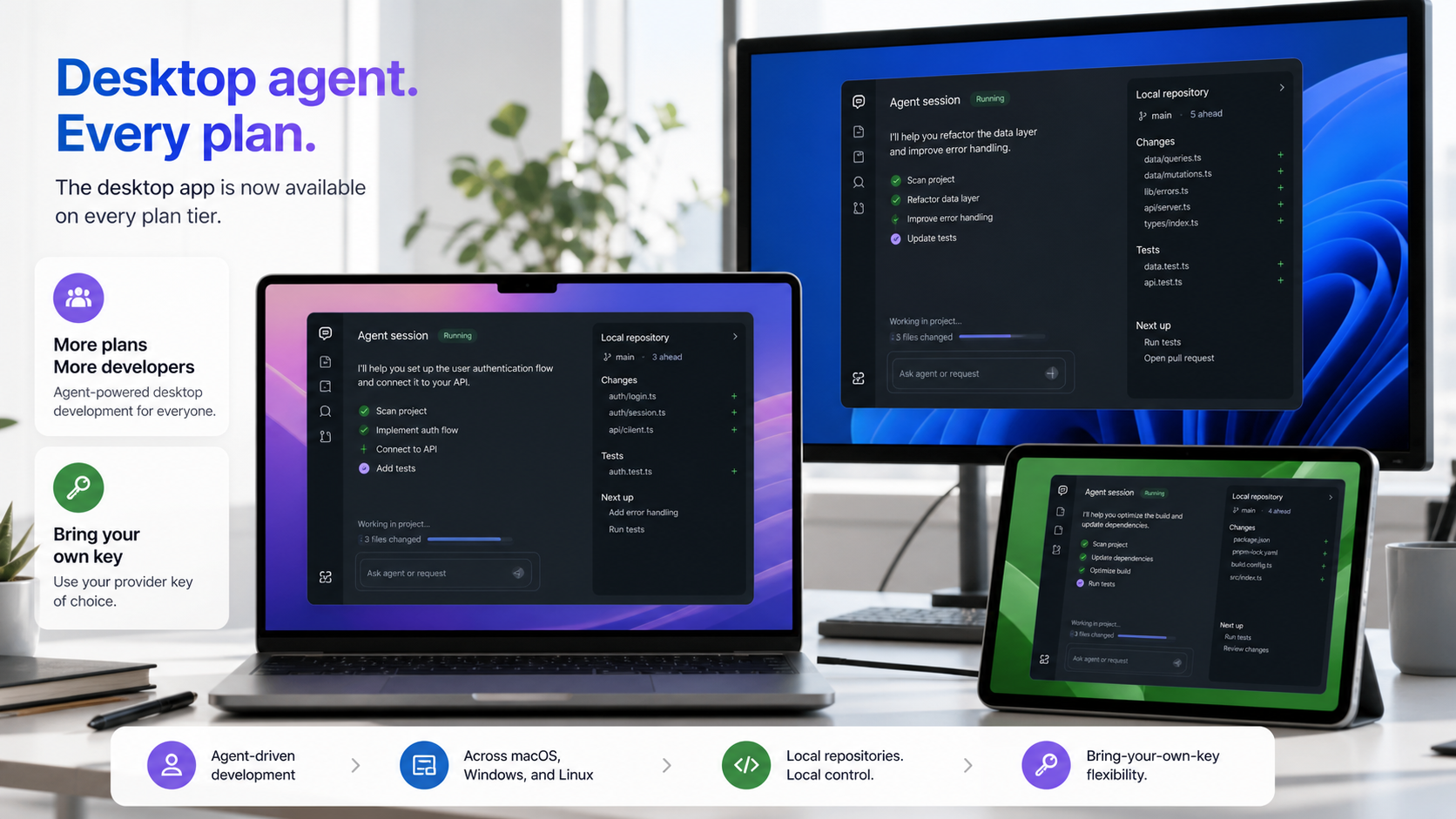
- GitHub Copilot Desktop App Opens to Every Copilot Plan
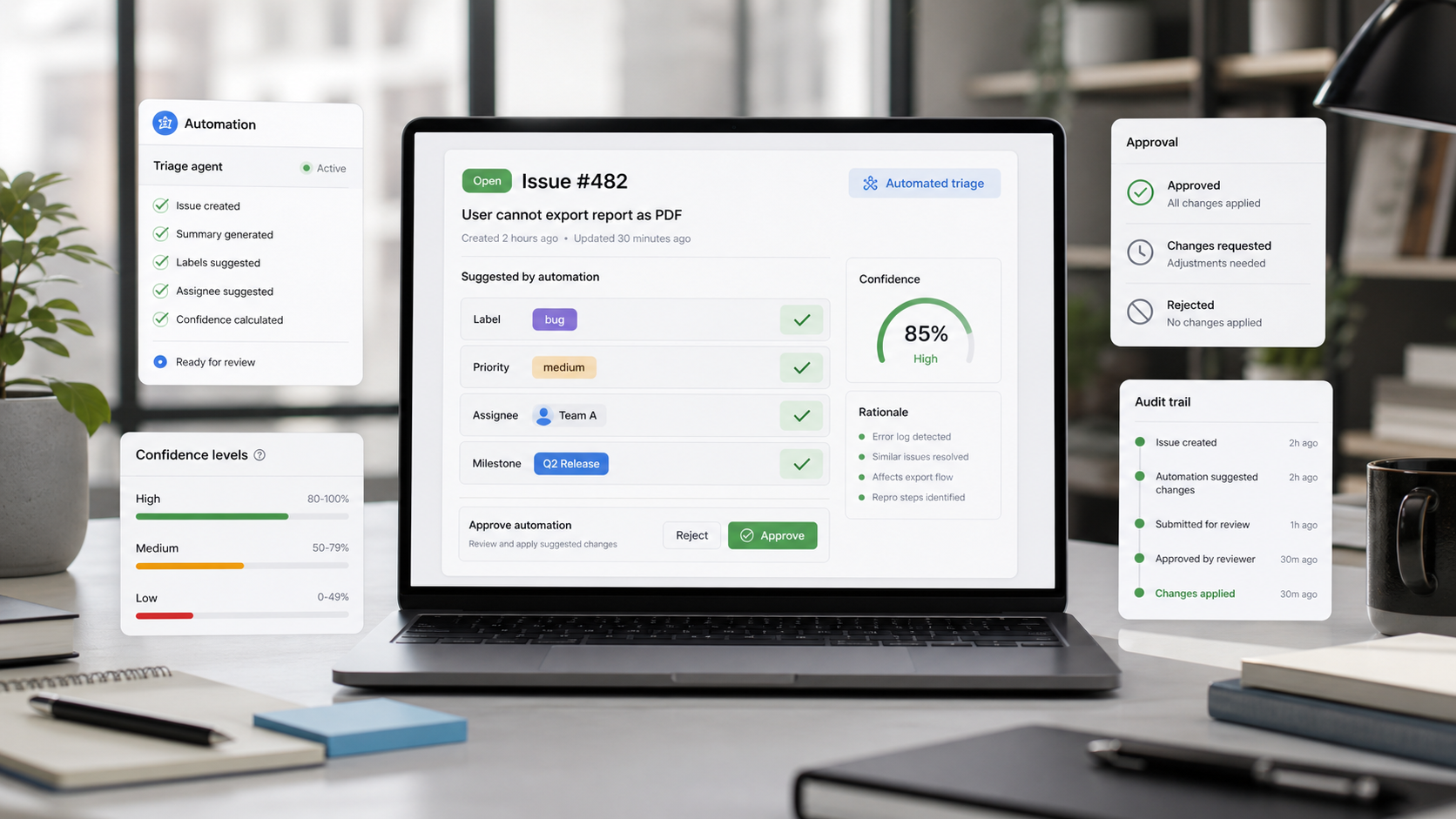
- GitHub Issues Adds Review Controls for Agent Automations
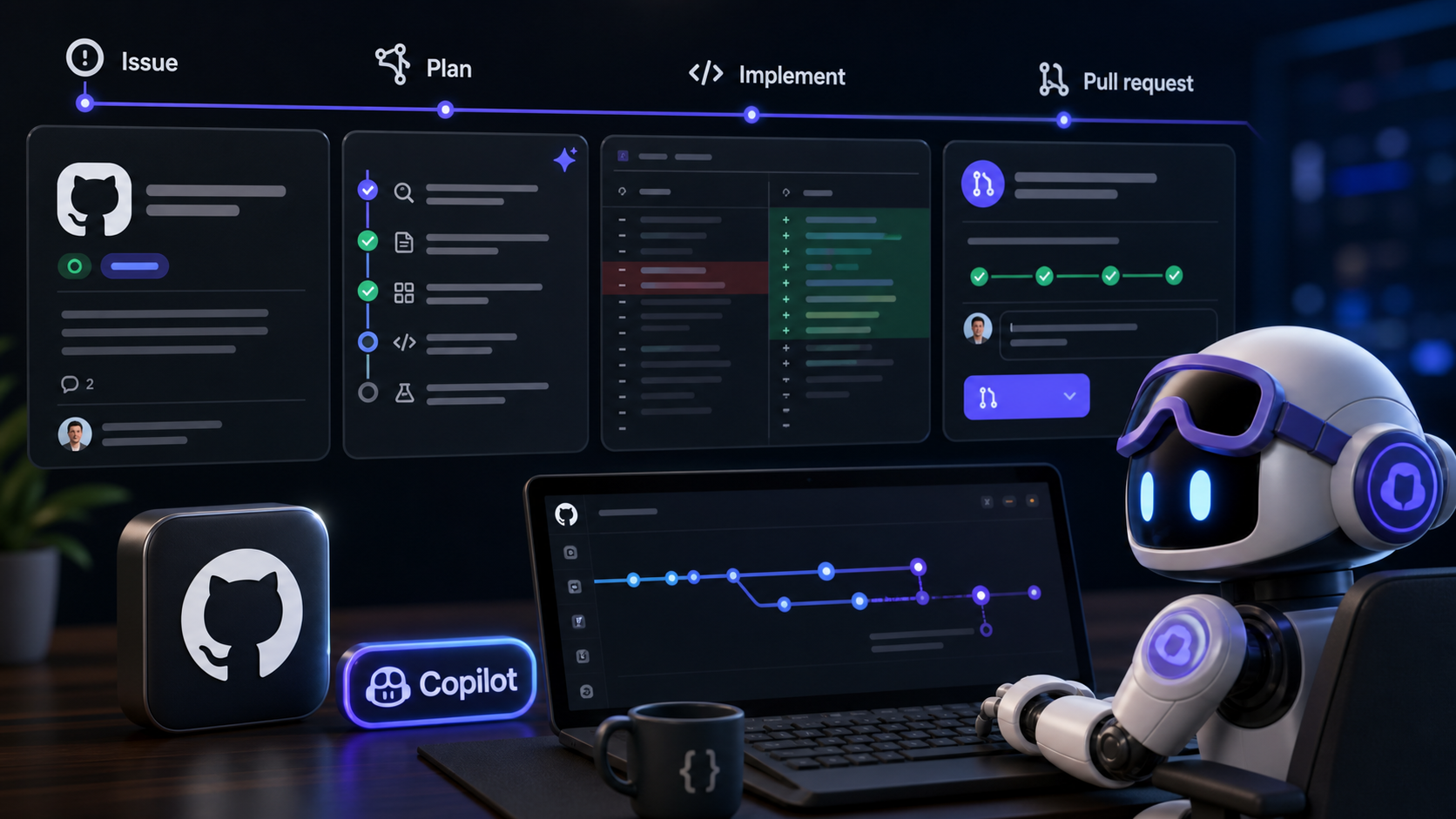
- GitHub Copilot Cloud Agent Adds Planning Before Pull Requests
- Developer Tools articles
SOURCES
- Archive: 2026 - GitHub Changelog: Selected models in GitHub Copilot deprecated Published · Primary source