A professional website does not require hand-written code, but it does require the right platform for the job. A service business may need fast editing, forms, reviews, and location pages. An online store needs checkout, inventory, payment, tax, and order notifications. A publisher needs a flexible CMS and strong content workflows.
Choose the builder after you know the site type, number of pages, content editors, expected traffic, integrations, and ownership needs. Switching later is possible, but moving pages, images, forms, and search rankings can take time.
- Use a commerce platform when selling products is the main workflow.
- Use a visual CMS when publishing and editing pages frequently is the main workflow.
- Use a simple site builder when speed, low maintenance, and basic pages matter most.
SET WEBSITE GOALS BEFORE CHOOSING A TEMPLATE
A professional website without coding starts with goals, not templates. The site may need to generate leads, sell products, explain services, support local search visibility, build trust for a consultant, publish articles, collect bookings, or help customers complete basic support tasks. Each goal changes the page structure and the no-code tools you should choose.
Write one primary goal for the site and one primary action for each major page. For a service business, that action might be request a quote or book a consultation. For a software company, it may be start a trial or schedule a demo. For an ecommerce site, it is usually add to cart or complete checkout. Clear actions help the website feel intentional instead of decorative.
This also supports SEO because search traffic performs better when page intent is clear. A person searching for professional website builder, small business website design, or build a website without coding wants a guide that explains what to do first, which mistakes to avoid, and how to launch with confidence.
- Define the audience, offer, location or market, and primary conversion before editing the homepage.
- Choose whether the site is a lead-generation site, online store, portfolio, booking site, or content hub.
- Write the site promise in one sentence so every page can support the same business goal.
PLAN THE SITE STRUCTURE BEFORE DESIGNING
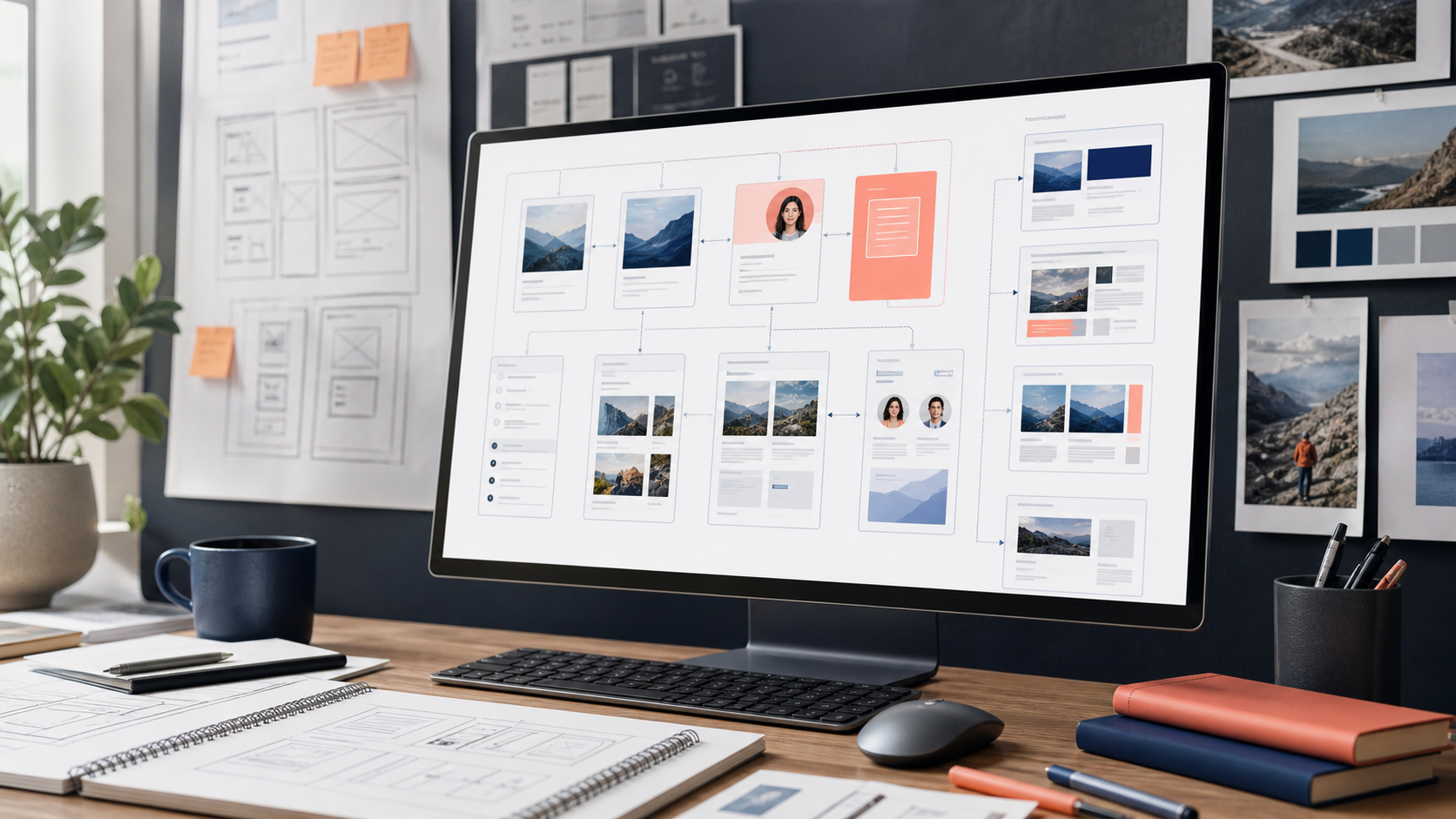
Most beginner websites fail because the content is unclear, not because the design is too simple. Before choosing colors or animations, write the navigation, core pages, calls to action, and proof points your visitors need to make a decision.
For a small business, the first version usually needs a homepage, services or product pages, about page, contact page, privacy page, and a few proof points such as testimonials, case studies, certifications, or clear portfolio examples.
- Write one primary action for every important page, such as book a call, request a quote, buy, subscribe, or download.
- Keep navigation short and use labels visitors already understand.
- Prepare logos, photos, screenshots, testimonials, legal copy, and contact details before building.
WRITE HOMEPAGE COPY THAT ANSWERS VISITOR QUESTIONS
The homepage should quickly answer four questions: what do you offer, who is it for, why should visitors trust you, and what should they do next? No-code design tools make it easy to add sections, but extra sections do not help if the message is unclear.
Use a direct headline, a short supporting paragraph, a visible call to action, and proof close to the top of the page. Proof can include recognizable clients, testimonials, reviews, certifications, project examples, before-and-after results, press mentions, or specific numbers. Visitors should not need to scroll through vague brand language before understanding the offer.
A strong no-code website guide should also explain what to leave out. Avoid generic claims like innovative solutions, best-in-class service, or next-generation platform unless the page gives concrete evidence. Specific copy is better for visitors and better for search engines because it naturally includes the terms people use when looking for your service.
- Use one H1 that clearly describes the business, product, service, or page topic.
- Place the main call to action where visitors can see it without hunting through the page.
- Add proof near the first screen so the site earns trust before asking for a conversion.
BUILD SERVICE, PRODUCT, AND LOCATION PAGES FOR SEARCH INTENT
Many beginner websites rely too heavily on the homepage. For search visibility, individual service pages, product category pages, industry pages, and location pages often matter more because they match specific queries. A visitor searching for website design for accountants, Shopify store setup, emergency plumber in Dallas, or no-code landing page builder is looking for a focused answer.
Each important service or product category should have its own page when the topic has enough substance. That page should explain the offer, who it is for, outcomes, pricing signals when appropriate, examples, frequently asked questions, and next steps. Thin pages created only to capture keywords are weak. Useful pages that answer real questions are stronger.
For local businesses, location content should be specific and honest. Mention service areas, local proof, contact options, parking or service details, and examples relevant to the market. Do not create near-identical city pages that only swap a place name.
- Create separate pages for services or products that people search for independently.
- Match each page to one main search intent instead of trying to rank one page for everything.
- Use internal links from the homepage, navigation, footer, and related content to support key pages.
BUILD FOR MOBILE, SPEED, AND CLARITY
Start with a responsive template and test it on phone-sized screens while building, not at the end. Long headings, wide tables, heavy images, and crowded hero sections often break the mobile experience.
Performance also affects how professional the site feels. Compress images, avoid unnecessary apps, limit video backgrounds, and keep third-party scripts intentional. Google Core Web Vitals are a useful starting point for judging whether pages feel fast and stable.
- Use real page copy during design so headings and buttons fit the layout.
- Compress hero images and product media before upload.
- Remove unused widgets, tracking tags, chat tools, and animation libraries.
DESIGN A PROFESSIONAL VISUAL SYSTEM
A no-code website can look professional when the design system is restrained and consistent. Choose a small set of colors, one or two typefaces, repeatable spacing, consistent button styles, and predictable card or section patterns. Consistency creates polish faster than adding more effects.
Use real images whenever visitors need to evaluate a product, place, person, or result. Stock-like images can make a small business website feel generic. A consultant should show real context, a store should show actual products, a software company should show interface screenshots, and a service business should show completed work or team credibility.
Design also affects conversion. Buttons should look clickable, forms should feel short enough to complete, pricing or next steps should be easy to find, and important details should not be hidden inside decorative sections. Good no-code design is less about visual tricks and more about reducing visitor doubt.
- Use consistent heading sizes, button styles, form fields, and section spacing across the site.
- Keep decorative animation secondary to readable copy and fast page loading.
- Choose images that show the actual business, product, service, team, or outcome.
OPTIMIZE SPEED AND CORE WEB VITALS
Website speed is part of user experience and can influence how people engage with the page. No-code builders often make it easy to add apps, tracking tags, custom fonts, videos, sliders, and embeds. Every addition should earn its place because each one can affect loading, responsiveness, or visual stability.
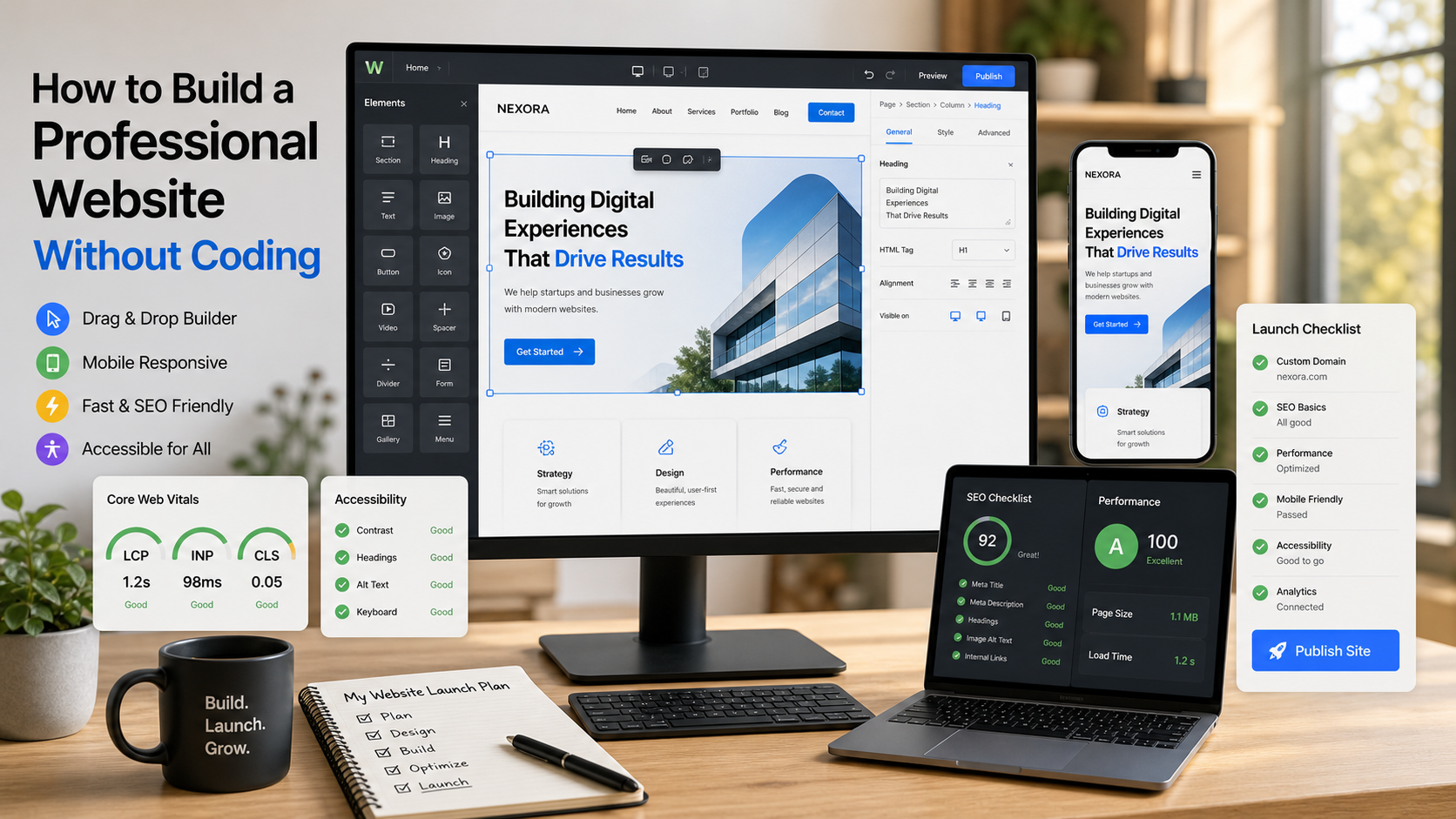
Core Web Vitals give website owners practical performance signals. Largest Contentful Paint points to how fast the main content appears, Interaction to Next Paint reflects responsiveness, and Cumulative Layout Shift captures visual movement. You do not need to be a developer to improve the basics: compress images, limit third-party scripts, use fewer fonts, and avoid layout shifts from late-loading media.
For a beginner-friendly website launch, test important pages with real mobile connections and not only a large desktop screen. Visitors may arrive from search results, social links, email, maps, or paid ads on slower devices. A page that looks beautiful but loads slowly can lose trust before the offer is read.
- Resize and compress images before upload instead of relying only on the builder.
- Remove plugins, popups, trackers, and embeds that do not support the page goal.
- Check homepage, service pages, product pages, and contact pages separately because each template can perform differently.
HANDLE SEO AND ACCESSIBILITY BASICS
No-code builders can generate clean pages, but they cannot decide your message or page hierarchy for you. Use one clear page title, descriptive headings, plain-language URLs, meta descriptions, alt text for meaningful images, and internal links between related pages.
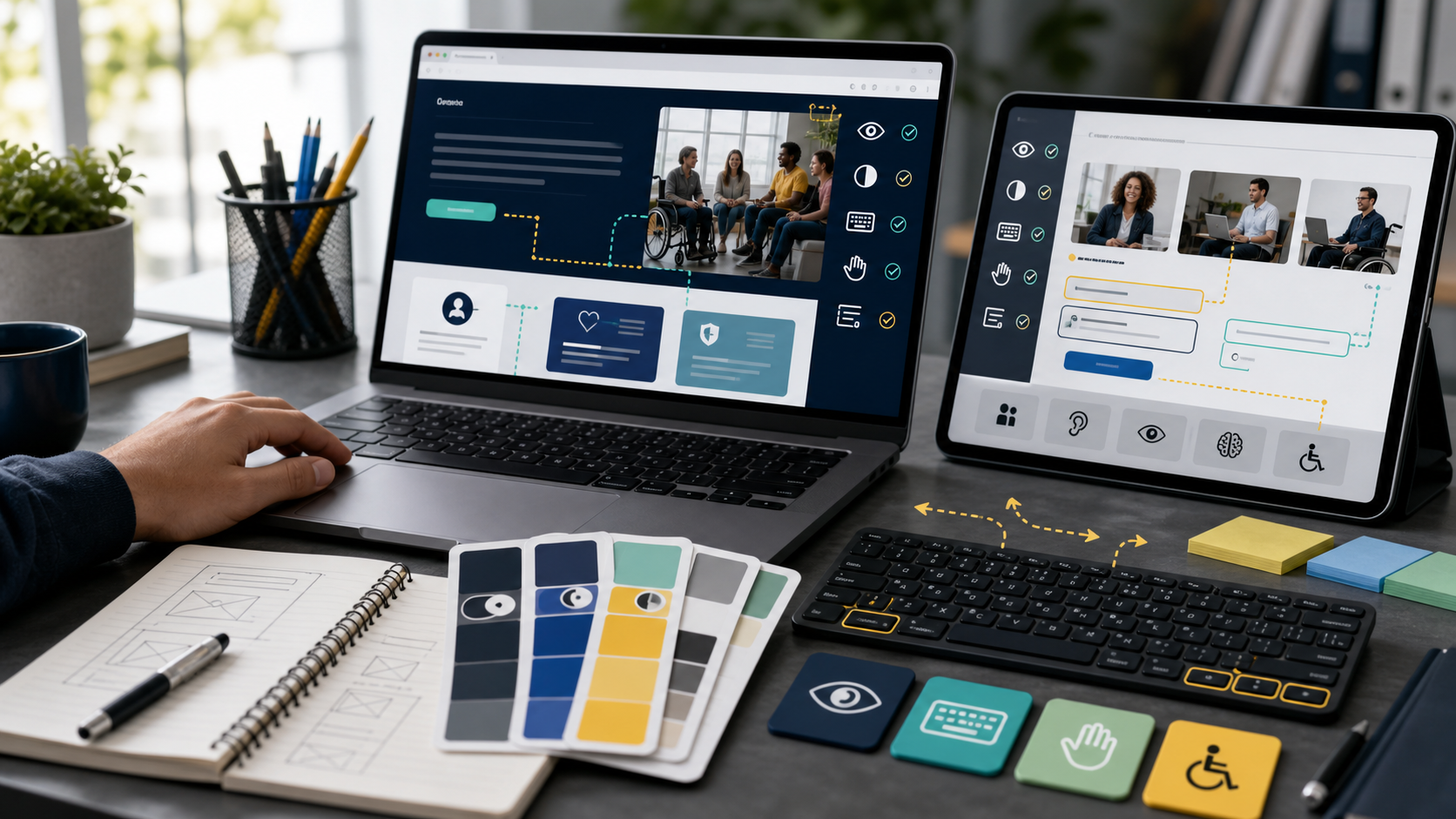
Accessibility is also part of a professional site. Visitors should be able to read text, navigate with a keyboard, understand form errors, and use the site without relying only on color or tiny controls.
- Add descriptive title tags and meta descriptions for every important page.
- Use heading levels in order instead of styling random text to look like headings.
- Check color contrast, focus states, form labels, and image alt text before launch.
USE AN ON-PAGE SEO CHECKLIST
Search engine optimization for a no-code website starts with useful pages, clear titles, descriptive headings, internal links, and complete metadata. Google guidance consistently emphasizes helpful, reliable, people-first content over pages built only to chase rankings.
For every important page, write a unique title tag, meta description, H1, URL slug, and opening paragraph that accurately match the page topic. A page about how to build a professional website without coding should say that clearly, but it should also answer related beginner questions about no-code website builders, website launch checklists, mobile design, SEO basics, accessibility, forms, analytics, and domain setup.
Do not stuff the same keyword into every heading. Use natural variations that reflect how readers search: build website without coding, no-code website builder for beginners, professional website design, small business website, website SEO checklist, and website launch checklist. Those phrases belong where they help the reader understand the topic.
- Write unique title tags and meta descriptions that summarize the real page content.
- Use descriptive internal anchor text instead of vague links such as click here.
- Add image alt text when the image communicates useful information.
- Make sure important content is visible on the page and not hidden behind scripts or tabs.
ADD TRUST PAGES AND CONVERSION PATHS
Professional websites need more than a homepage and a contact form. Visitors often look for evidence before taking action: pricing, process, examples, reviews, policies, company background, guarantees, refund terms, security details, or support expectations. The right trust pages depend on the business model.
A service business might need process, case studies, reviews, about, contact, and FAQ pages. An ecommerce website needs shipping, returns, privacy, terms, product support, payment security, and order status information. A software or SaaS website needs product pages, integration pages, security notes, pricing, demo booking, documentation, and customer stories.
Conversion paths should be obvious but not pushy. A visitor who is ready to buy should find the action quickly. A visitor who is still researching should find educational content, examples, FAQs, and comparison pages that move them closer to a decision.
- Add trust pages that answer objections before a visitor contacts the business.
- Use testimonials and examples near relevant services instead of placing all proof on one page.
- Offer more than one conversion path when visitors have different levels of readiness.
CONNECT FORMS, ANALYTICS, AND BUSINESS TOOLS
A website should support business operations after a visitor takes action. Connect forms to email, CRM, booking, newsletter, payment, or support systems so inquiries do not sit inside a website dashboard that nobody checks.
Keep integrations simple at launch. A contact form, analytics, conversion events, email notifications, and a CRM or spreadsheet destination are usually enough for version one.
- Test every form with a real submission and confirm the notification reaches the right person.
- Set analytics events for calls, form submits, purchases, downloads, and booking clicks.
- Add spam protection and backup routing for important lead forms.
SET UP ANALYTICS AND SEARCH VISIBILITY TOOLS
A no-code website is not finished when it is published. Analytics, search console data, conversion events, and form tracking tell you whether visitors can find the site and whether the site helps them take action.
At minimum, track page views, traffic sources, form submissions, booking clicks, phone clicks, purchases, downloads, newsletter signups, and important button clicks. For SEO, connect a sitemap, inspect important URLs, and monitor search queries that already bring impressions. Those queries often reveal content gaps and wording that real users prefer.
Analytics should inform practical improvements. If a service page receives search impressions but few clicks, improve the title and meta description. If visitors reach the contact page but do not submit the form, reduce friction. If mobile users leave quickly, inspect layout, speed, and readability.
- Connect analytics and search console before launch so early data is captured.
- Track actual business actions, not only traffic volume.
- Review search queries monthly and build useful pages around real demand.
CREATE A SIMPLE CONTENT PLAN FOR ORGANIC TRAFFIC
A professional website without coding can attract traffic when it answers the questions customers already ask. After the core pages are live, create a small content plan around buying questions, comparison questions, local questions, troubleshooting questions, and proof-based pages. This is more sustainable than publishing random articles with no connection to the business.
Start with five to ten topics that support the main offer. A no-code website for a tax consultant might publish pages about small business bookkeeping deadlines, tax preparation checklist, LLC tax questions, and pricing questions. A web design agency might publish content about website cost, redesign timelines, SEO migration, ecommerce setup, and no-code website builders.
Each page should have a purpose. Some pages bring new visitors from search, some help people compare options, some answer objections, and some support conversion. Link them together so visitors and search engines can understand which pages are most important.
For SEO, depth matters when it is useful. A thin 300-word page rarely answers complex search intent. A focused guide with examples, definitions, checklists, and next steps has a better chance to earn search visibility and keep visitors engaged.
- Build content around customer questions, service keywords, comparison searches, and local intent.
- Use internal links from articles to service pages when the connection is genuinely helpful.
- Refresh important pages when pricing, services, screenshots, policies, or search demand changes.
LAUNCH CHECKLIST FOR A NO-CODE WEBSITE
The launch step is where many no-code sites lose polish. Run a structured review before publishing the domain, especially if the site replaces an older website with existing search traffic.
After launch, review analytics and form performance weekly for the first month. The best first improvement is often clearer copy, fewer form fields, better mobile spacing, or faster image loading.
A complete website launch checklist should cover technical setup, content quality, search metadata, accessibility, page speed, legal pages, conversion testing, and backup access. It should also include a post-launch review because the first version of a website is rarely the best version.
Before launch, read the site like a first-time visitor. Check whether the offer is clear, pages load quickly, contact information is visible, navigation feels predictable, and every call to action leads somewhere useful. Then check it like an operator: forms route correctly, analytics records actions, owners can edit content, and backup access is documented.
For search, inspect the pages that matter most. Each page should have a unique title, a clear meta description, one main topic, helpful headings, descriptive image alt text where appropriate, and internal links to related pages. If the website replaces an older one, redirects are not optional because old URLs may still have traffic, backlinks, or saved bookmarks.
- Connect the custom domain, SSL, analytics, search console, and form notifications.
- Check mobile, tablet, and desktop layouts for every public page.
- Create redirects for replaced pages and submit the new sitemap.
- Test load speed, accessibility basics, contact forms, checkout, and booking flows.
IMPROVE THE WEBSITE AFTER LAUNCH
The fastest way to improve a no-code website is to review what visitors actually do. Look for pages with impressions but low clicks, pages with traffic but weak conversions, forms that people abandon, and mobile layouts that cause friction. Small improvements can outperform a full redesign.
Create a monthly website improvement routine. Update outdated copy, add missing FAQs, publish useful articles, refresh screenshots, improve internal links, compress new images, test forms, and review search query data. This keeps the website useful and supports long-term organic traffic.
For small businesses, a professional website should become an operating asset. It should answer sales questions, reduce repetitive support requests, show proof, collect leads, and help customers trust the business before they speak to anyone.
- Review top landing pages, top search queries, and conversion paths every month.
- Add pages only when they answer a real customer question or support a real search intent.
- Keep design updates incremental so the site remains stable and easy to manage.
AVOID COMMON NO-CODE WEBSITE MISTAKES
The most common mistake is treating a no-code builder like a shortcut around strategy. The tools can publish pages quickly, but they cannot decide positioning, proof, search intent, page hierarchy, conversion paths, or customer objections. A polished template with weak copy still feels unfinished.
Another mistake is installing too many apps too early. Chat widgets, popups, analytics tools, heatmaps, appointment tools, review widgets, social embeds, and animation add-ons may all be useful, but they can slow the site and distract visitors. Start with the tools that support the primary business action, then add more only when data shows a need.
Many beginner websites also hide the practical details visitors need. Pricing ranges, service areas, turnaround times, support expectations, booking instructions, shipping policies, refund rules, and contact options can feel boring to write, but they reduce doubt. Clear practical information often converts better than more design polish.
Finally, avoid launching once and ignoring the site. Search demand changes, competitors update pages, products evolve, screenshots age, and customer questions shift. A modern website without coding is easiest to maintain when the owner treats it as a living business channel instead of a one-time design project.
- Do not choose a template before writing the page goals and core copy.
- Do not add plugins that slow the site without supporting a clear conversion or measurement need.
- Do not bury pricing signals, contact options, service details, or trust information.
- Do not leave old pages, broken links, outdated screenshots, or weak mobile layouts unchecked after launch.
RELATED COVERAGE
SOURCES
- Google web.dev Core Web Vitals
- W3C Web Content Accessibility Guidelines overview
- Google Search Central SEO Starter Guide