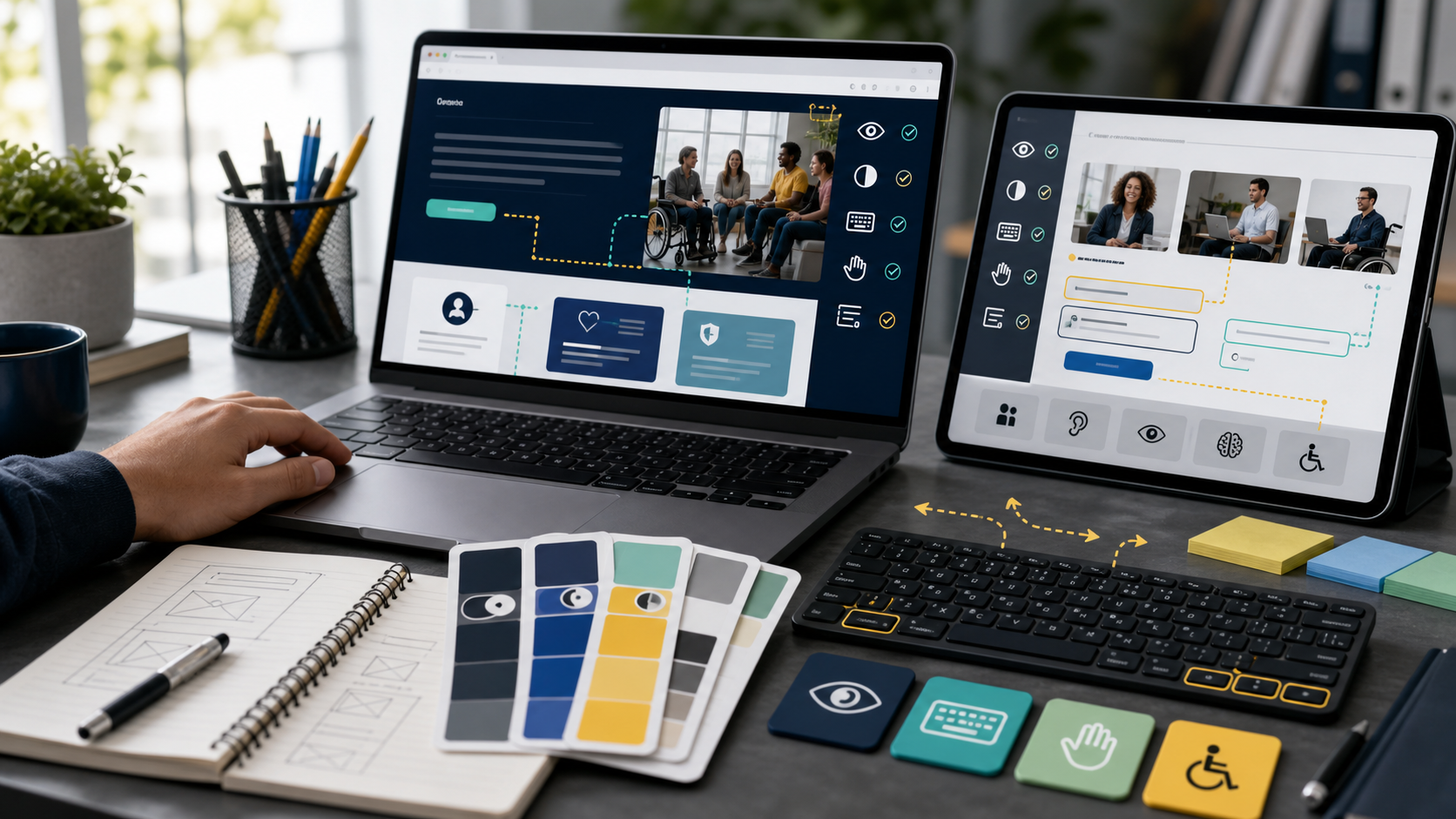
W3C describes WCAG 2.2 as recommendations for making web content more accessible to people with disabilities while also improving usability more broadly. That makes accessibility a core website quality discipline, not a compliance afterthought.
A practical audit looks at whether real users can navigate, understand, and complete tasks. Automated scans are useful, but they cannot judge every interaction, label, reading order, or support path.
WHY IT MATTERS
Accessibility issues can block users from buying, subscribing, applying, reading, or contacting support. They can also increase legal, reputational, and operational risk.
The business case is simple: accessible sites usually have clearer content, better structure, more reliable forms, and stronger mobile usability.
SELECTION CHECKLIST
Review critical templates and user journeys first rather than scanning only the homepage.
- Test navigation, menus, forms, modals, and checkout with keyboard only.
- Check color contrast, focus visibility, link purpose, and heading order.
- Provide labels, instructions, and clear errors for every form field.
- Add accurate alt text, captions, and transcripts where content requires them.
- Verify mobile layouts do not hide controls or overlap text.
RISKS AND TRADEOFFS
The main risk is treating accessibility as a one-time plugin scan. New pages, campaigns, embeds, and design changes can reintroduce barriers.
The tradeoff is process. Accessibility is easier when designers, writers, developers, and editors share rules before content reaches production.
BOTTOM LINE
A WCAG-informed accessibility audit should focus on complete user journeys. Fix the barriers that stop people from using the site, then make checks part of every release.