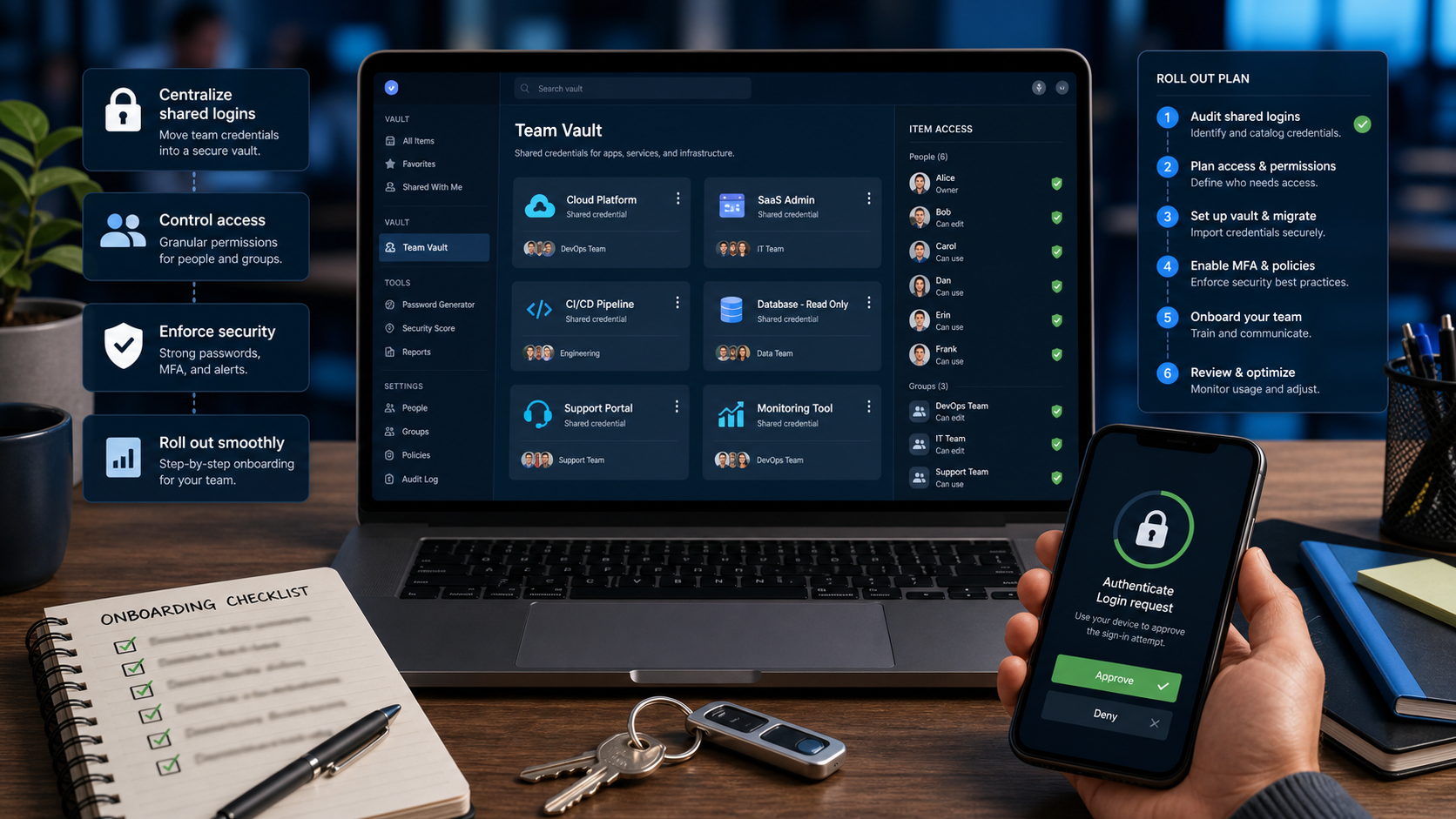
Team password managers centralize credential storage, sharing, access review, and offboarding. The rollout is most valuable when it reduces shared-login chaos rather than simply storing the same risky behavior in a new vault.
Products such as 1Password Business emphasize secure sharing and business administration. Teams should translate those capabilities into everyday account rules.
WHY IT MATTERS
A good password manager rollout reduces account compromise risk and makes employee departures easier to handle. It also gives teams a better path toward passkeys and stronger MFA.
The immediate win is visibility. Leaders can see which high-risk accounts are shared, unmanaged, or missing ownership.
SELECTION CHECKLIST
Design vaults and ownership before importing credentials at scale.
- Inventory shared logins and replace them with named accounts where possible.
- Create vaults by team, system criticality, and access pattern.
- Protect administrator, finance, domain, hosting, and email accounts first.
- Document recovery, emergency access, and offboarding steps.
- Train users on secure sharing, browser extension use, MFA, and passkeys.
RISKS AND TRADEOFFS
The main risk is centralizing secrets without improving access rules. A messy vault can still expose too much to too many people.
The tradeoff is change management. Password managers only work when employees trust them enough to stop saving credentials in browsers, chats, and spreadsheets.
BOTTOM LINE
A password manager is a security workflow. Clean shared accounts, assign vault ownership, and connect the rollout to passkeys and offboarding.