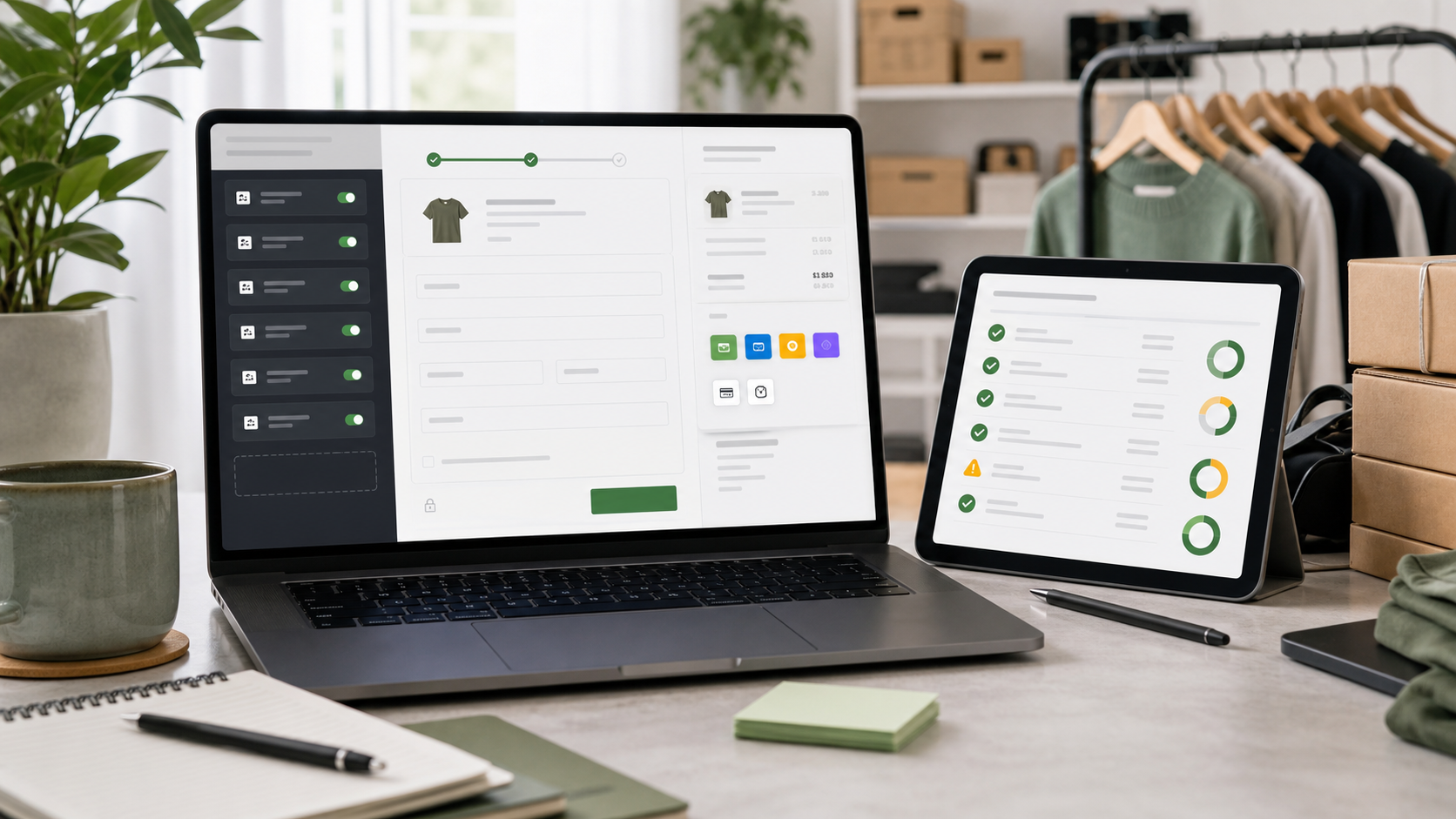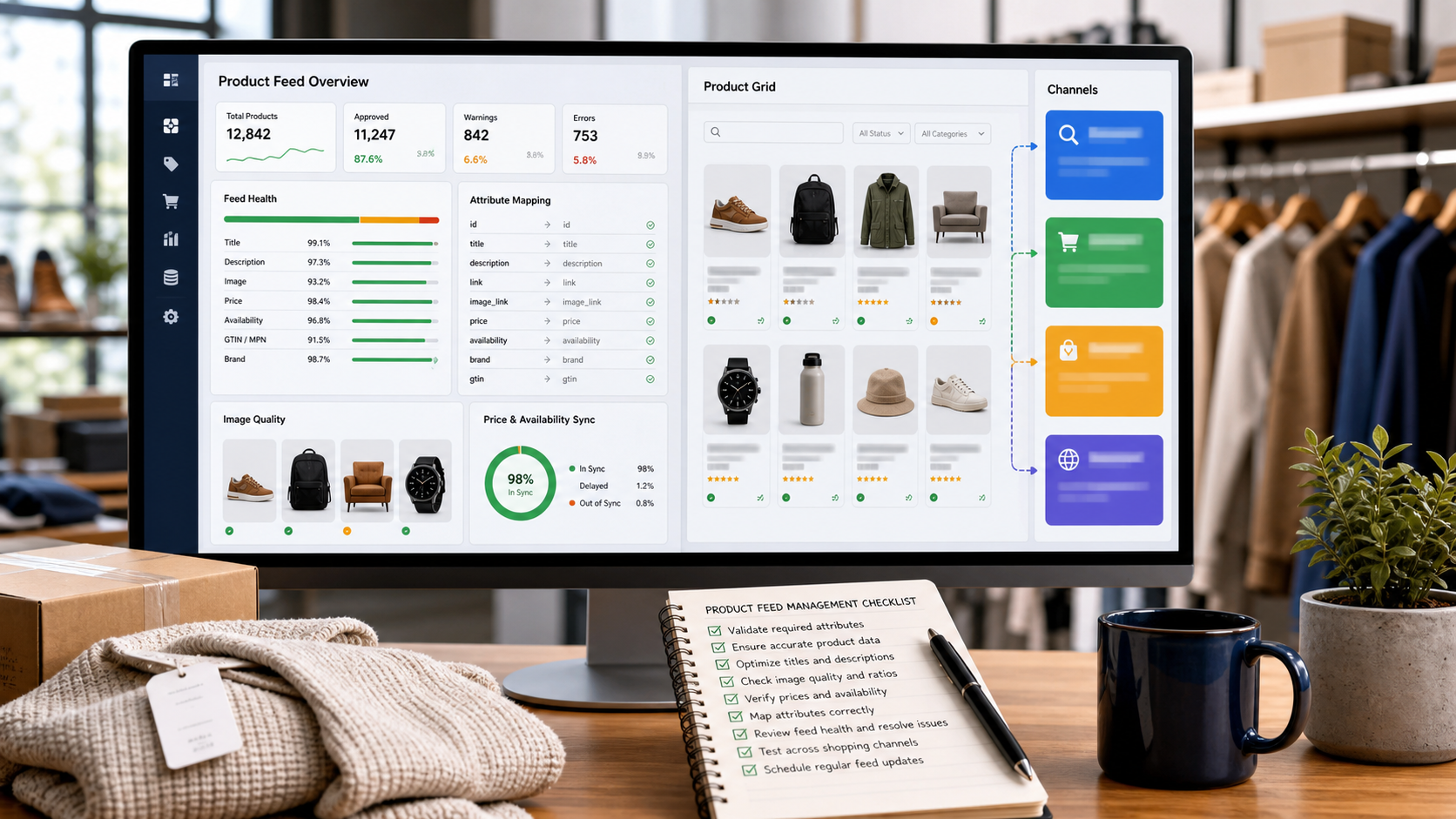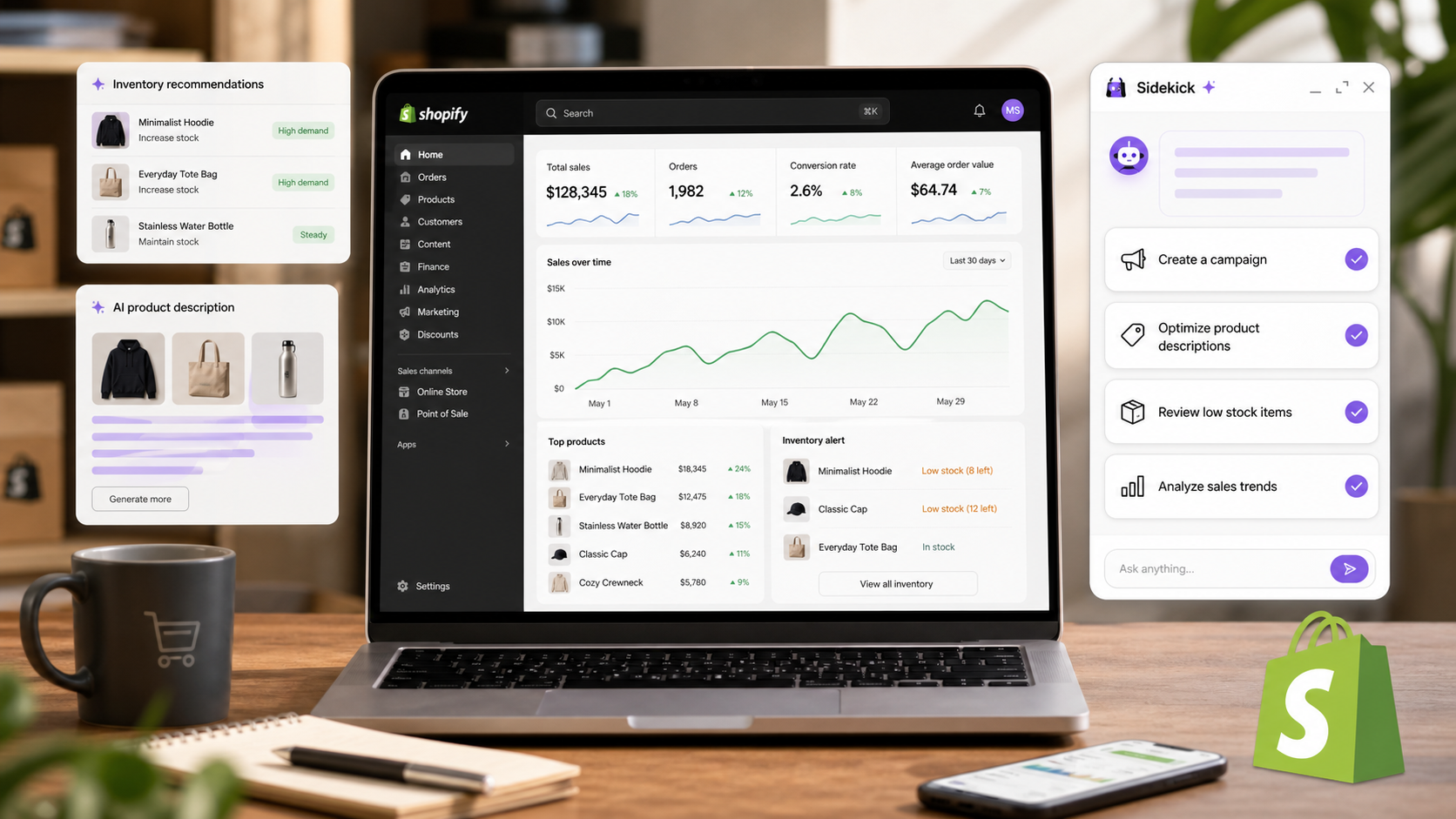
Shopify Sidekick is designed as an AI assistant for merchants working across store setup, product content, analytics, and operational decisions.
The practical shift is that more work is moving from a single assistant or dashboard into governed workflows. For small teams, that means the rollout should include owners for data access, approvals, billing, and quality checks instead of relying on a product demo.
WHY IT MATTERS
Merchant assistants can reduce daily admin work, but recommendations should be checked against inventory, margin, brand voice, and campaign timing.
The update also changes vendor evaluation. Buyers should compare how the tool fits existing identity systems, analytics, support processes, developer pipelines, and ecommerce operations rather than scoring it only on headline AI capability.
IMPLEMENTATION CHECKLIST
Use a narrow pilot before putting the new capability in front of every employee, customer, or production system.
- Choose one measurable workflow and document the current baseline.
- Map which systems, data sources, users, and approvals the workflow touches.
- Run a test with realistic volume, edge cases, and permission boundaries.
- Review cost, latency, audit logging, support escalation, and rollback behavior.
- Decide which metrics will prove the rollout is safer or more productive than the old process.
RISKS AND TRADEOFFS
The risk is over-delegation. AI and automation updates can make routine work faster, but they can also hide bad source data, unclear ownership, and excessive permissions behind a polished interface.
The tradeoff is speed versus governance. Teams that move carefully may ship later, but they usually avoid customer-facing errors, surprise usage costs, and security exceptions that are harder to unwind.
BOTTOM LINE
Use Shopify Sidekick for operating suggestions, then keep final control over inventory decisions, discounts, and customer-facing copy.